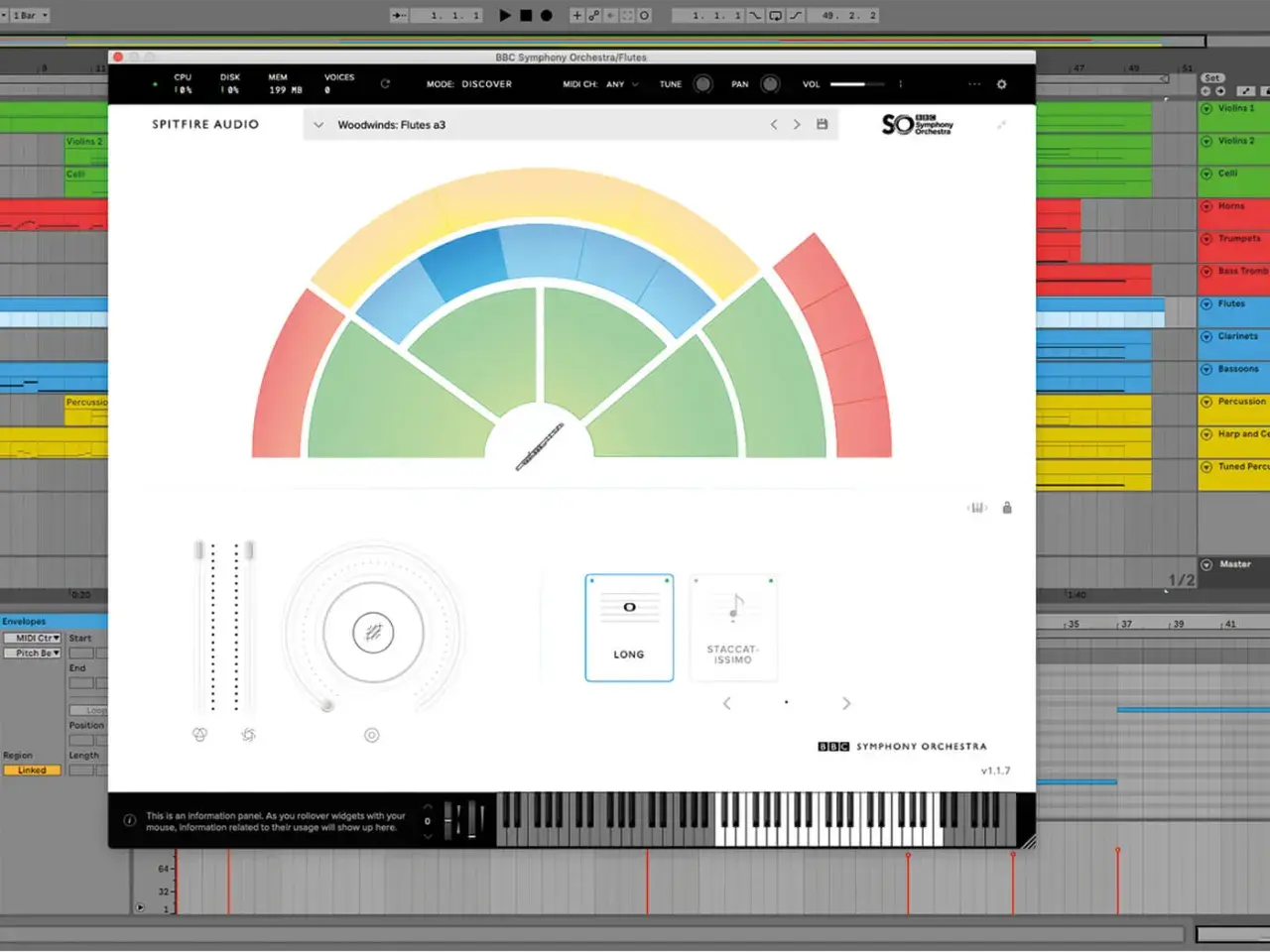
An orchestral plugin only earns its place in a session if it helps you write faster and still sounds believable. Spitfire Audio’s BBC Symphony Orchestra line is built for exactly that: a broadcast-flavoured London orchestral sound, delivered in a plugin format that ranges from a free starter edition to a deep professional library. In this article I break down what it is, how the editions differ, what they cost in the US, and how I would choose one without wasting money or template space.
The fastest way to understand this library
- Discover is the no-cost entry point and is enough for learning the workflow or sketching ideas.
- Core is the practical middle ground if you want a polished orchestral sound without paying for the full flagship set.
- Professional is the deepest version, with the most instruments, articulations, and mix control.
- The library is centered on the BBC Symphony Orchestra sound captured at Maida Vale Studios.
- This is a dedicated plugin ecosystem, so you do not need to build a Kontakt-based setup to use it.
- The real difference between versions is not only price, but also how much detail you need in day-to-day writing.
I think of BBCSO less as a single product and more as a ladder. The same core identity runs through every edition, but the amount of control you get changes a lot, and that changes how the library feels under the fingers. If you are writing cues, pop strings, trailer layers, or mockups for clients, that difference matters more than the marketing copy does.
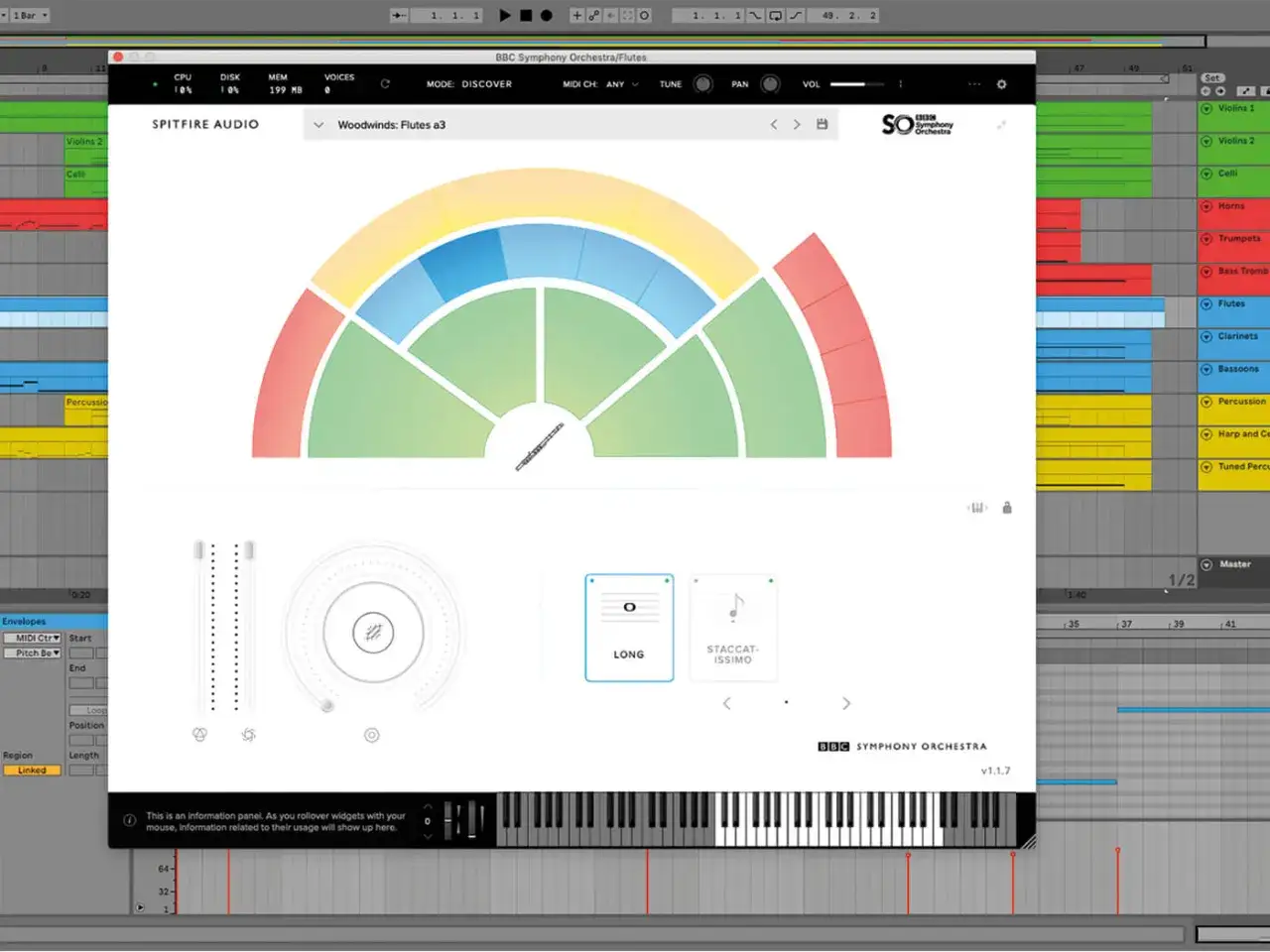
What this plugin actually is and why composers care
BBC Symphony Orchestra is Spitfire Audio’s orchestral sample library built around the sound of the BBC Symphony Orchestra, recorded at London’s Maida Vale Studios. In practical terms, it gives you strings, brass, woodwinds, and percussion inside a dedicated instrument plugin, so you can load it directly in a DAW and start composing without assembling an orchestral setup from scratch.
That matters because orchestral writing is often judged on speed and consistency as much as on realism. I can get a convincing sketch out of BBCSO faster than I can with many larger, more complicated libraries, and that makes it useful for production music, film ideas, advertising spots, and any workflow where deadlines are real. The sound is not sterile, but it is also not trying to sound like a hyper-dry studio capture; the room is part of the identity.
So the question is not whether the library is “good enough” in some abstract sense. The real question is whether its balance of tone, workflow, and control matches the kind of music you actually need to deliver. That is where the three editions become the main decision point.
How the three editions differ
In the US, the current list prices are Free for Discover, $449 for Core, and $999 for Professional. Those numbers are useful, but the more important difference is what each version lets you do when the arrangement gets busy or the cue needs more nuance.
| Edition | Price | What you get | Best for | Main tradeoff |
|---|---|---|---|---|
| Discover | Free | 34 instruments, 74 techniques, 1 mix signal | Learning the workflow, quick sketches, low-risk entry | Limited depth and less room to shape the sound |
| Core | $449 | 44 instruments, 344 techniques, 1 mix signal | Most composers who want a serious all-round orchestral tool | More capable than Discover, but still not the deepest control set |
| Professional | $999 | 67 instruments, 468 techniques, 45 legatos, 20 signals | Film, TV, game scoring, and detailed mockups | Higher cost and a heavier commitment in time and machine resources |
The cleanest way to read that table is this: Discover proves the concept, Core covers most real production needs, and Professional is for composers who want the widest palette and the most mix options. I would not choose based on instrument count alone, because a smaller library with the right articulations can be more useful than a massive one you never finish loading.
Which edition fits your workflow
The right version depends on what you are trying to do most often, not on what looks strongest on paper.
- Choose Discover if you are testing orchestral writing, building your first template, or need a free way to score simple ideas without a financial commitment.
- Choose Core if you want the most practical balance of price and capability. For a lot of composers, this is the point where the library becomes genuinely useful instead of merely educational.
- Choose Professional if you need more soloists, deeper articulation coverage, and the ability to shape the mix with far more precision.
My own rule is simple: if a library is mainly for sketches, I do not overbuy it. If it needs to survive client delivery, I look harder at articulation depth and mix control. If it is going to sit at the center of a scoring template, the more expensive option can make sense, but only if your machine and workflow can actually benefit from it.
How to get a convincing orchestral result fast
BBCSO rewards good orchestration more than clever sound design. That is one reason it holds up so well for writers who want a musical result instead of endless parameter tweaking. I usually get the best results when I treat it like a real score, not like a preset machine.
- Start with a playable voicing. If the harmony is impossible for the section, the plugin will not save it.
- Pick articulations before polishing the MIDI. A short staccato line and a legato line communicate very different energy.
- Automate dynamics instead of relying on note velocity alone. Orchestral libraries come alive when phrases swell and relax naturally.
- Use percussion sparingly at first. A clean string-and-brass core is easier to judge than a track already crowded with impacts.
- Add reverb after the balance works. If the mix is muddy before ambience, extra space will only hide the problem.
I also recommend writing with the room sound in mind. BBCSO already carries a cinematic character, so I do not chase ultra-dry realism with heavy processing. A modest amount of additional reverb or glue can help, but the library usually sounds best when you let it sound like itself.
Setup details people overlook
The library runs as a dedicated plugin through Spitfire Audio’s player, and the company supports AU, VST2, VST3, and AAX formats in a 64-bit DAW. That covers the major production environments, including mainstream apps from GarageBand to Pro Tools. Installation goes through the Spitfire Audio app, so the process is straightforward once your account is set up.
For Discover, Spitfire lists 8GB RAM minimum and 16GB recommended. I would treat that as a useful baseline, not a ceiling, because larger orchestral templates are always happier with more memory, an SSD, and a CPU that is not already near its limit. The bigger editions are especially sensitive to how comfortably your machine handles sample streaming.
One practical bonus: the editions sit in the same ecosystem, so moving up is not the same as starting over. If you begin with Core and later decide you need Professional, the upgrade path is designed to account for what you already own, which makes the step-up less painful than buying a separate library from scratch.
Where it shines and where it runs out of road
The biggest strength of BBCSO is its immediately credible orchestral tone. It sounds like a real section captured in a real room, and that gives even a modest arrangement a sense of scale. For composers who need to write quickly, that is a serious advantage.
Its limitations are just as important. Discover is intentionally constrained, so it is not the version I would choose for detailed solo writing or elaborate mic mixing. Core gives you more breadth, but if you want the deepest control over perspective and nuance, Professional is the edition that really opens up. Even then, no sample library replaces thoughtful orchestration, balance, and phrase shaping.
If you are expecting a magical one-click cinematic result, this is the wrong expectation. If you are expecting a well-recorded orchestra that responds well to careful writing, this is much closer to the mark. That is the difference between a useful tool and an expensive disappointment.
The practical choice I would make in 2026
For most people, I would start with Discover if the goal is simply to learn orchestral writing or test the sound in a real session. I would move to Core when the library needs to support actual paid work, because that is where the balance of cost, quality, and flexibility feels strongest. I would only jump straight to Professional if I knew I needed the extra signals, the larger instrument set, and the more complete articulation map from day one.
That is the cleanest way to think about the BBC Symphony Orchestra family: buy the smallest version that solves the problem in front of you, then upgrade only when the music demands it. If you keep that discipline, you get a library that feels practical instead of indulgent, and that is usually the better buy.