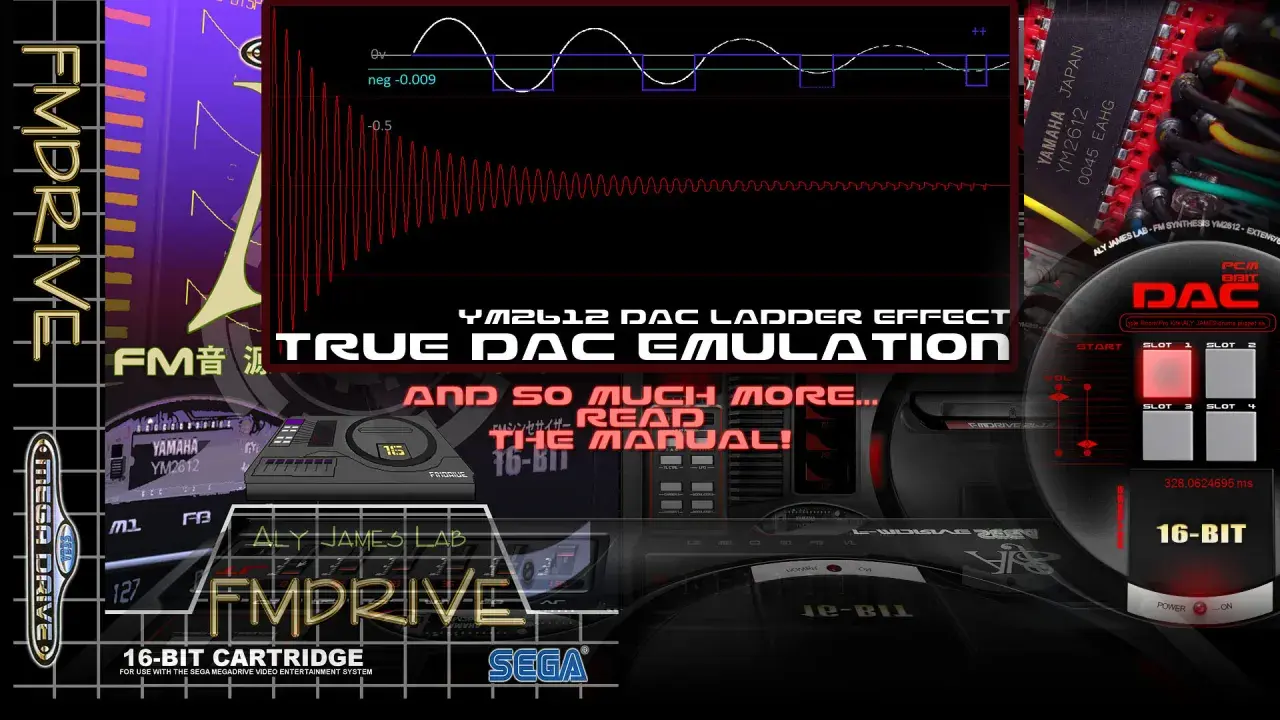
The YM2612 sits in that narrow space between game-console nostalgia and genuinely useful sound design. A good plugin has to recreate the chip's six voices, operator routing, DAC quirks, and the rough edges that made Genesis music feel so immediate. In practice, that means choosing between faithful emulation, practical workflow, and a few legacy limitations that still matter in 2026.
The practical answer before you spend money
- YM2612 is a six-channel FM chip with four operators per voice, a DAC path on channel 6, and a sound that depends as much on its imperfections as on the FM engine itself.
- RYM2612 is the safest modern all-around choice if you want current OS support, a polished workflow, and strong accuracy.
- FMDrive is still attractive on Windows if you want deep chip control, VGM-related workflow, and do not mind a legacy 32-bit VST setup.
- GENNY is the budget option for Windows users who want a free YM2612/SN76489 instrument and can live with a rougher experience.
- The full Genesis sound is not just the FM chip; the SN76489 PSG matters too if you want the classic console palette.
What the YM2612 actually does inside a plugin
The YM2612 is not just another FM synth. It gives you six FM channels, four operators per voice, a built-in DAC for sample playback on channel 6, stereo panning, an LFO, and a few odd behaviors that make the whole instrument feel alive in a way clean digital synths often do not. Operators are the sine-wave building blocks that modulate one another, while algorithms are the wiring diagrams that decide how those blocks interact.
That matters because the sound is not only about the notes you play. It is also about how the chip bends them, how the envelopes move, and how the output stage smears or roughens the tone. When I hear a convincing YM2612 emulation, I am listening for that combination of precision and grime, not just for a bright FM patch with a retro label on it.
The channel 3 and channel 6 special modes are especially important. They let those channels behave differently from the others, which is part of why Genesis basses, leads, percussion, and pseudo-PCM tricks have such a distinct fingerprint. If a plugin models only the broad FM architecture and skips these details, it can still be musical, but it will not feel like the hardware that inspired the sound.
Why emulation quality changes the result so much
In this corner of music software, accuracy is not a vanity feature. The signature character comes from details like the DAC behavior, the low-volume distortion often associated with the ladder effect, SSG-EG behavior, channel-specific quirks, and the way the chip responds when you push it close to its limits. A plugin that gets the overall FM tone right but misses those details will usually sound more like a generic FM synth than a true Genesis voice.
I care about this because the most convincing retro parts are often the least polished ones. The original hardware had boundaries, and those boundaries shaped the music people remember. A good emulator preserves that pressure, which is why some products expose options like output filtering, legacy distortion, or a purist mode that keeps you inside the original constraints.
At the same time, not every project needs museum-level accuracy. If you are writing a synthwave track, a game-inspired cue, or a modern production that only borrows the flavor of the chip, a cleaner or more flexible interpretation can be the smarter choice. The real question is not "which plugin is best" in the abstract. It is "which behavior do I actually want in my session?"
The current plugins worth considering
There are not many serious YM2612 emulations on the market, which is why the decision is usually simpler than people expect. I would look at the options below first.
| Plugin | Price | Platforms | What it gets right | Main trade-off | Best for |
|---|---|---|---|---|---|
| RYM2612 | $49 | Windows, macOS, Linux; VST2, VST3, AU, AAX | Modern compatibility, cycle-accurate core, output filtering, ladder effect control, strong authenticity | Paid product and less "deep hack" workflow than some legacy tools | Most producers who want one dependable YM2612 instrument |
| FMDrive | From €15, regular €20 | Windows 32-bit VST | Deep chip controls, PCM, SSG-EG, CSM, ladder effect, TFI import/export, VGM-related workflow | Legacy 32-bit format and bridge dependence on many setups | Windows users who like hands-on chip programming |
| GENNY | Free | Windows 32-bit and 64-bit VST | Free entry point, 16 instruments per instance, VGM export, microtuning import, hardware-style workflow | Windows-only and less polished than commercial tools | Budget-minded users and chiptune experimenters |
My short version is simple: RYM2612 is the easiest recommendation for most people, FMDrive is the nerdy power-user option on Windows, and GENNY is the no-cost doorway if you want to start making Genesis-style parts immediately. If you also need the PSG side of the console sound, pair your choice with an SN76489 solution instead of expecting the FM chip alone to do everything.
How to program it for authentic Genesis character
The fastest way to make a YM2612 plugin sound wrong is to treat it like a modern supersaw or a huge general-purpose FM synth. The original hardware rewards restraint. Start with a small number of voices, simple harmonies, and short envelopes, then let the chip's personality do the work. In my experience, the best patches are often the ones that feel almost too plain at first glance.
Start with the envelope, not the effects
The attack and decay shape matter more than most users expect. Genesis sounds often feel punchy because the operators move quickly and do not linger forever. If a patch feels flat, I usually shorten the envelope before I add anything else. A little feedback on operator 1 can add bite, but too much turns the tone into noise fast.
Use the DAC channel with intent
Channel 6 is special because it can switch from FM to sample playback. That is where a lot of the chip's rough edge comes from. Treat it like a performance feature, not a substitute for a modern sampler. Short one-shots, percussive hits, and gritty accents make sense here. Long, polished sample work usually does not.
Respect the six-voice budget
The YM2612 gives you six channels, and that limit is part of the sound. If you write a full arrangement and immediately stack 12 layers, you are no longer hearing the device that defined the style. I would rather hear a tightly written two-part melody, a bass line, a percussive accent, and a few supporting harmonies than a crowded patch cloud that only vaguely recalls the hardware.
Read Also: Free Channel Strip Plugins - Boost Your Mix Workflow Now
Decide early how much grit you want
Some emulations let you switch between cleaner output and a more authentic, distorted path. That choice is not cosmetic. The same patch can feel glossy, brittle, or alive depending on the output stage. For a tribute piece, I would lean into the grittier mode. For a modern record that only borrows the color, I might keep it cleaner and add tasteful processing afterward.
That is the practical difference between playing the chip and simply auditioning it. The more you write with its limits in mind, the more the result starts to feel intentional instead of nostalgic by accident.
Where these emulations still fall short
No plugin perfectly replaces the whole Genesis audio chain. The YM2612 is only one part of the story, and the SN76489 PSG is a separate voice with its own role in the classic soundtrack. If you want the complete console texture, you need both parts of the arrangement, not just the FM engine.
There are also workflow limits. FMDrive remains a 32-bit Windows VST, which means bridge support is part of the discussion. That is fine if you already live in a compatible DAW, but it is a real cost if you want something stable and immediate across modern systems. RYM2612 avoids most of those headaches, while GENNY trades polish for accessibility.
Another limitation is that a chip emulator is not the same thing as a full game-audio engine. If you are trying to recreate a specific soundtrack, the composition style, patch data, and sequencing choices matter as much as the instrument itself. When possible, work from MIDI, instrument dumps, or VGM references rather than guessing by ear from a single synth preset.
What I would install first for different studio setups
- For one-plugin simplicity: start with RYM2612. It is the best balance of authenticity, compatibility, and day-to-day usability.
- For Windows users who enjoy deep chip control: FMDrive is still compelling, especially if you want VGM conversion, TFI import/export, and a more hardware-minded workflow.
- For a free entry point: GENNY is the obvious first download, especially if you want to learn the basics without spending money.
- For the full console palette: add a PSG emulation path and think like an arrangement writer, not just a synth programmer.
If I were setting up a new project today, I would choose the plugin that best matches my DAW and operating system first, then optimize for sound. A brilliant YM2612 emulation that is awkward to load is still a bad tool in practice, while a slightly less fancy one that stays out of the way can become part of your regular writing process. That is usually where the real value is: not in the logo on the interface, but in whether the instrument keeps you writing.
